Installing security cameras on an existing property in Plano isn’t as simple as just hanging a few cameras. Running retrofit camera wiring, choosing between PoE and Wi‑Fi models, and making sure your network can handle the bandwidth are just the start. If you don’t plan for wiring, power, placement, and legal requirements upfront, you could end up with blind spots or costly surprises. Let’s walk through what you need to know before you commit to Dallas security cameras or DFW surveillance systems on your property. For more detailed information on legal requirements, check out this resource.
Wiring and Power Considerations
Setting up security cameras involves more than just picking a spot and mounting them. Understanding wiring and power solutions is crucial to ensuring your cameras work without a hitch.
Retrofit Camera Wiring Essentials
Thinking about the wiring before you start is key. Retrofit wiring means you might need to pull wires through walls and ceilings. This can get tricky if your property wasn’t originally set up with security cameras in mind. You’ll need to consider how to run wires from each camera to a central point, usually a network video recorder or a power source. Make sure you avoid interference and keep wires safe from weather or curious critters. Proper planning can save you a lot of hassle later on.
Power Solutions and Placement Tips
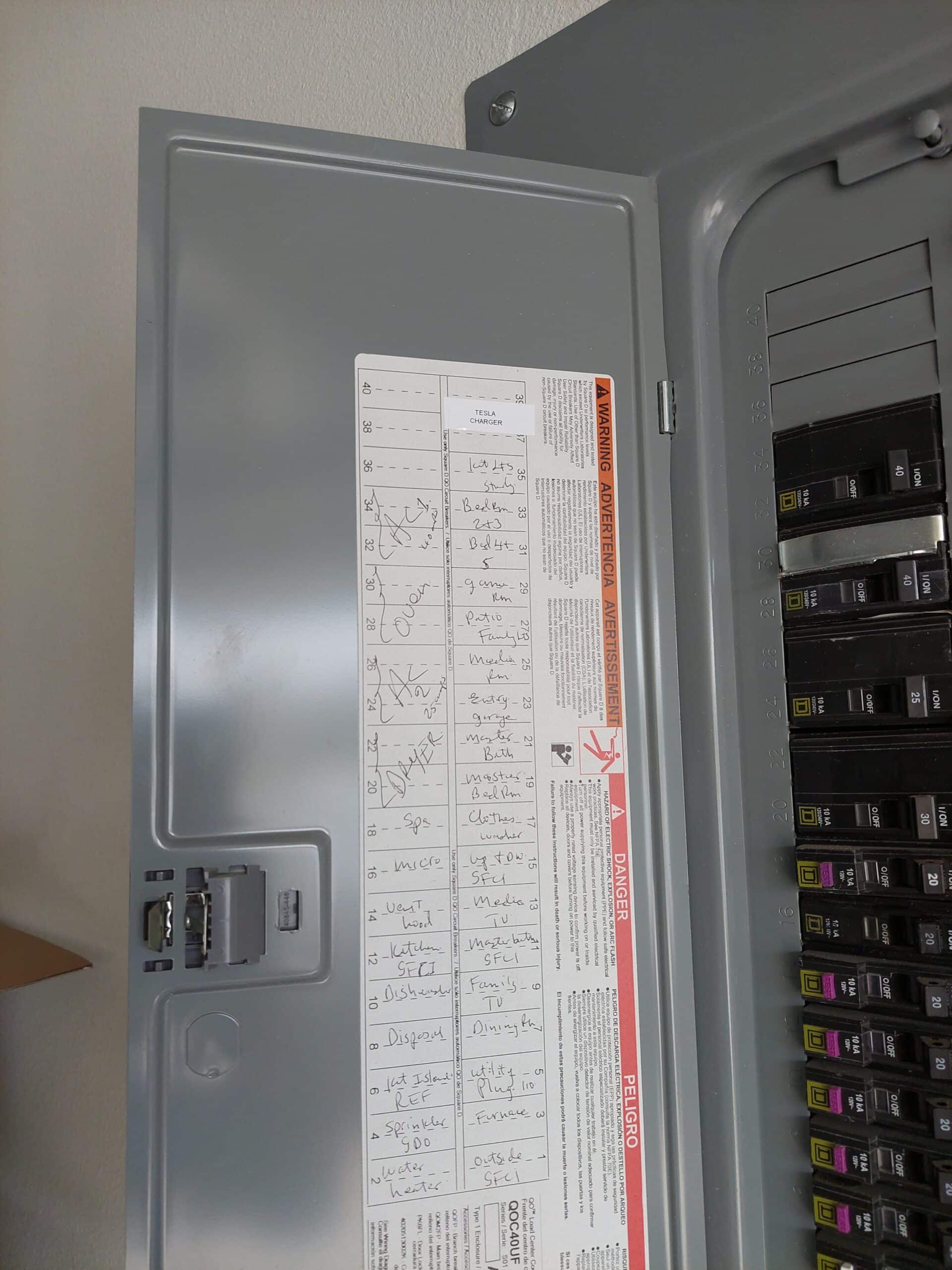
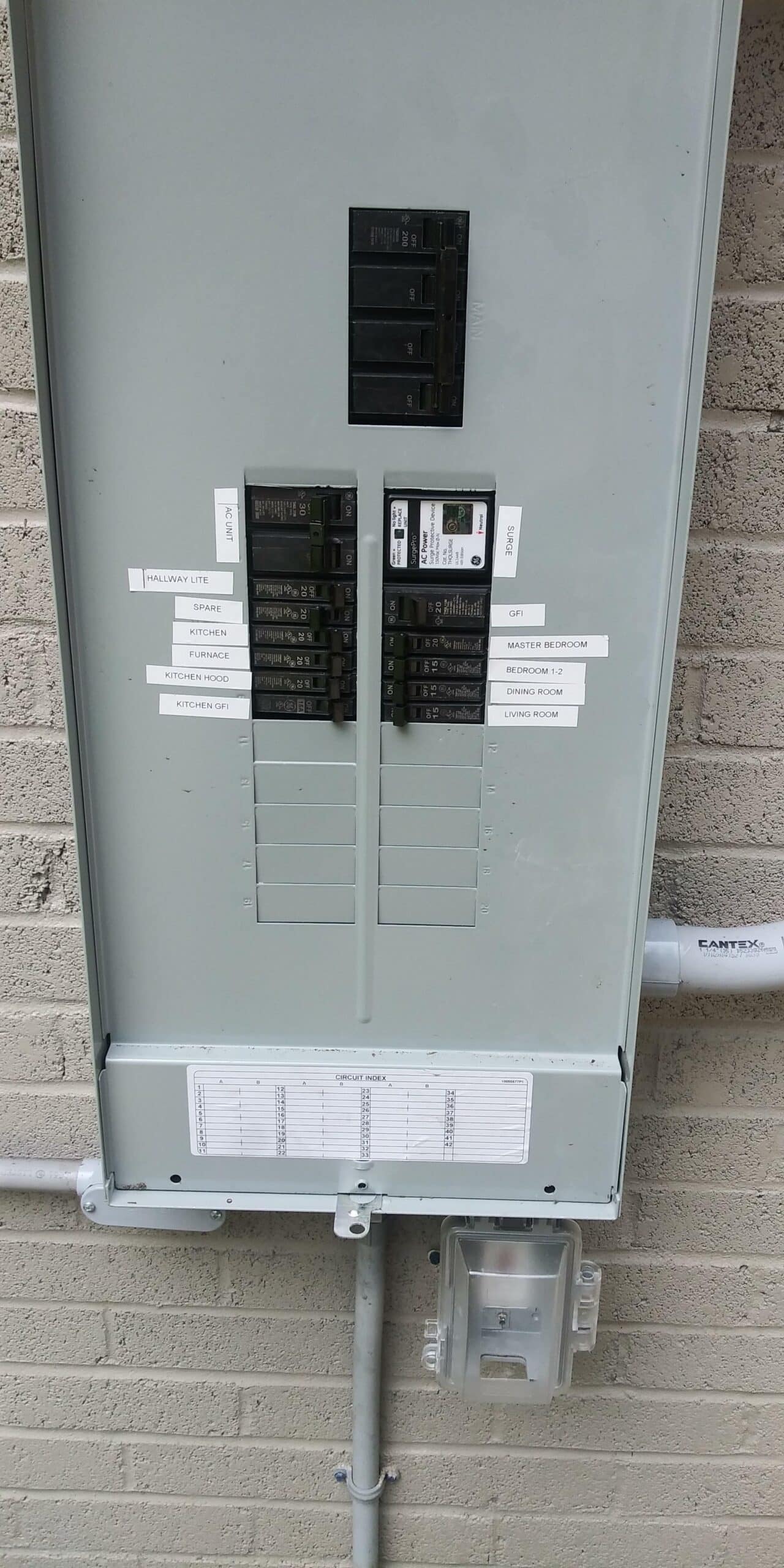
When it comes to powering your cameras, you have a couple of options. Some cameras use their own power source, while others connect directly to your electrical system. Consider where your nearest power outlets are and how you’ll hide cables for a clean look. Also, think about placing cameras in high-traffic areas where they can capture the most activity. Avoid direct sunlight and make sure they’re within range of your Wi-Fi if they’re wireless models.
Cat6 Low-Voltage Cabling Insights
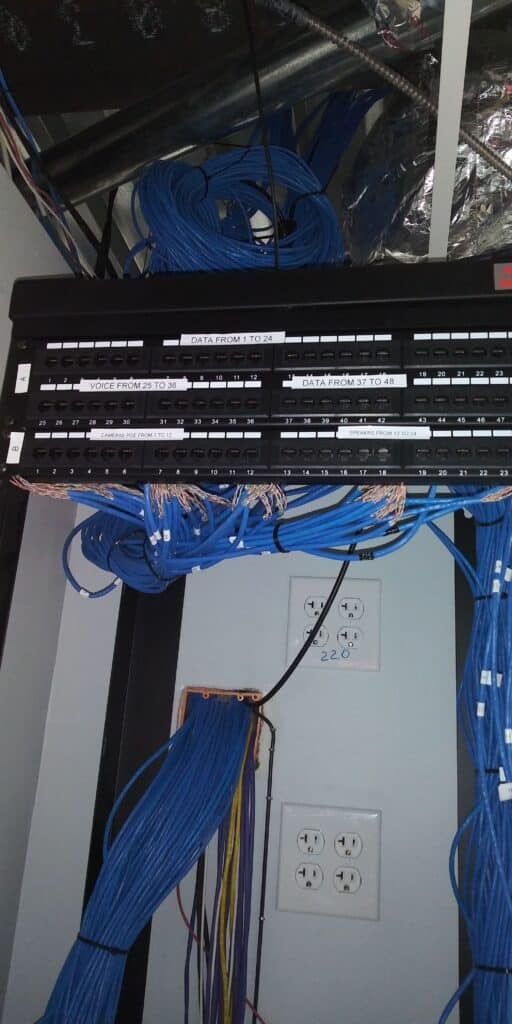
Cat6 cables are a great choice for many security camera systems. They offer reliable data transmission and can support both video and power if you’re using Power over Ethernet (PoE) cameras. This means one cable does it all, making installation simpler. Keep cables away from electrical lines to avoid interference and test your setup before finalizing anything. With these cables, you can ensure smooth communication between your cameras and recording devices.
Network and Storage Options
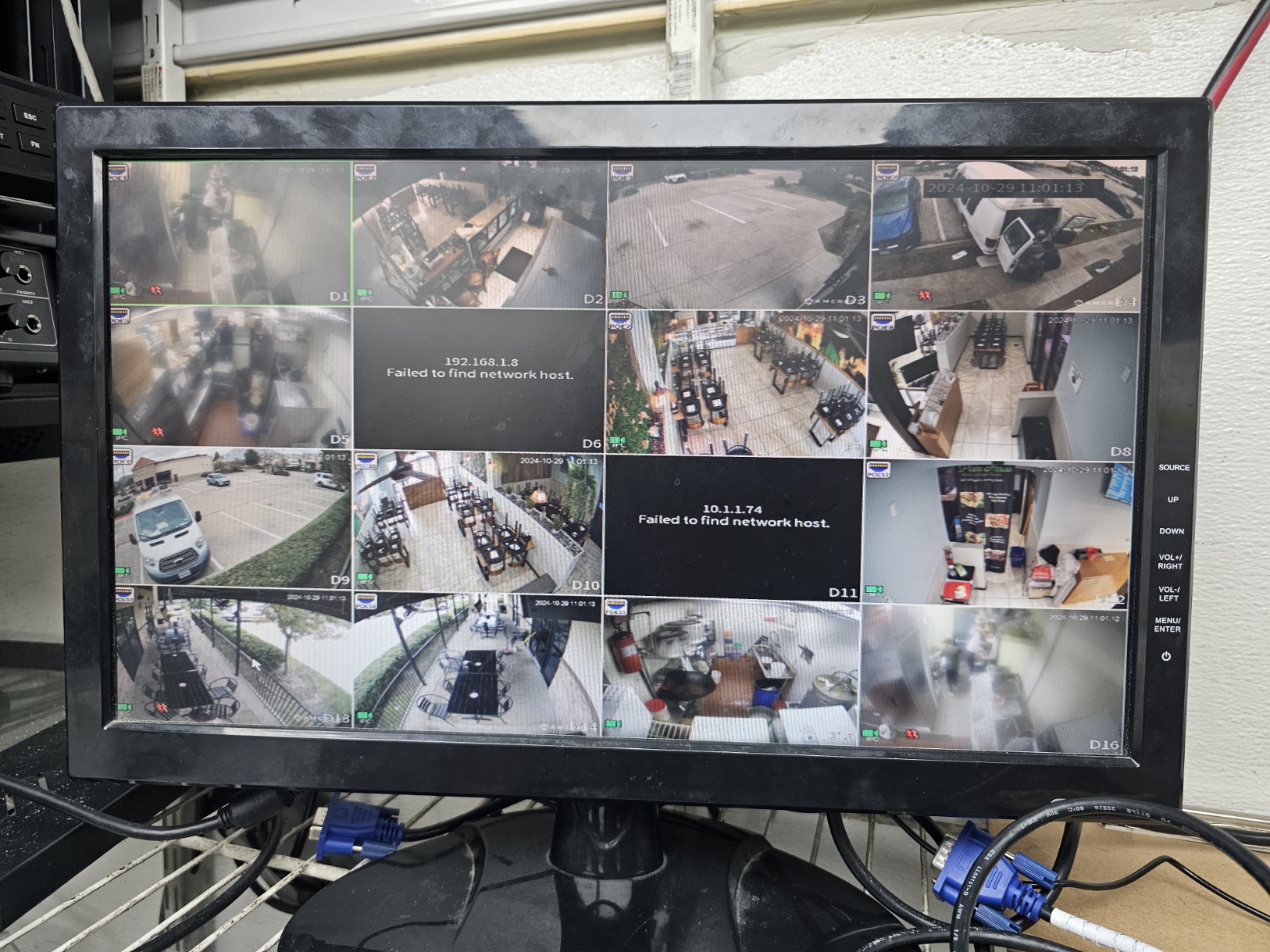
Once your wiring and power are sorted, focus shifts to how your cameras connect and where the footage goes. This decision impacts both performance and cost.
PoE vs Wi-Fi Cameras
Choosing between PoE and Wi-Fi cameras depends on your needs. PoE cameras use a single cable for power and data, offering stable connections and reducing cable clutter. They’re ideal for large properties or where Wi-Fi signals might be weak. Wi-Fi cameras, on the other hand, offer flexibility in placement since they don’t rely on cables but might face connectivity issues if the signal is weak. Consider your property’s layout and existing infrastructure to decide which option suits you best.
NVR vs Cloud Storage Choices
How you store your footage is another big decision. NVRs store footage on-site, giving you quick access and control over your data. They’re often more secure but require a larger upfront investment. Cloud storage allows you to access footage from anywhere but might involve ongoing fees and depend on a reliable internet connection. Weighing these factors can help you choose the right balance of convenience and cost.
Bandwidth Requirements for Cameras
Cameras need bandwidth to transmit data. Too many cameras without proper bandwidth can slow down your internet. Calculate how much bandwidth each camera requires and ensure your network can handle it. Use high-quality cables and routers to minimize data loss. A solid network setup means your cameras will work smoothly without affecting other internet activities in your home or business.
Legal and Practical Concerns
Installing cameras isn’t just about tech and setup. You must also consider the legal side of things to avoid potential issues.
Texas Recording Laws and Consent
In Texas, you need to be aware of recording laws, especially audio recording. The state follows a one-party consent rule, meaning you can record conversations as long as you are part of the conversation or have permission from one involved party. However, this doesn’t apply to video recording in public spaces. For more details, refer to this legal guide.
Privacy and Signage Requirements
Respect privacy by ensuring your cameras don’t invade neighbors’ spaces. It’s a good idea to put up signs notifying people of video surveillance. This practice not only builds trust with neighbors but is often a legal requirement. It’s about balancing security with respect for privacy.
Outdoor Camera Placement and Lighting
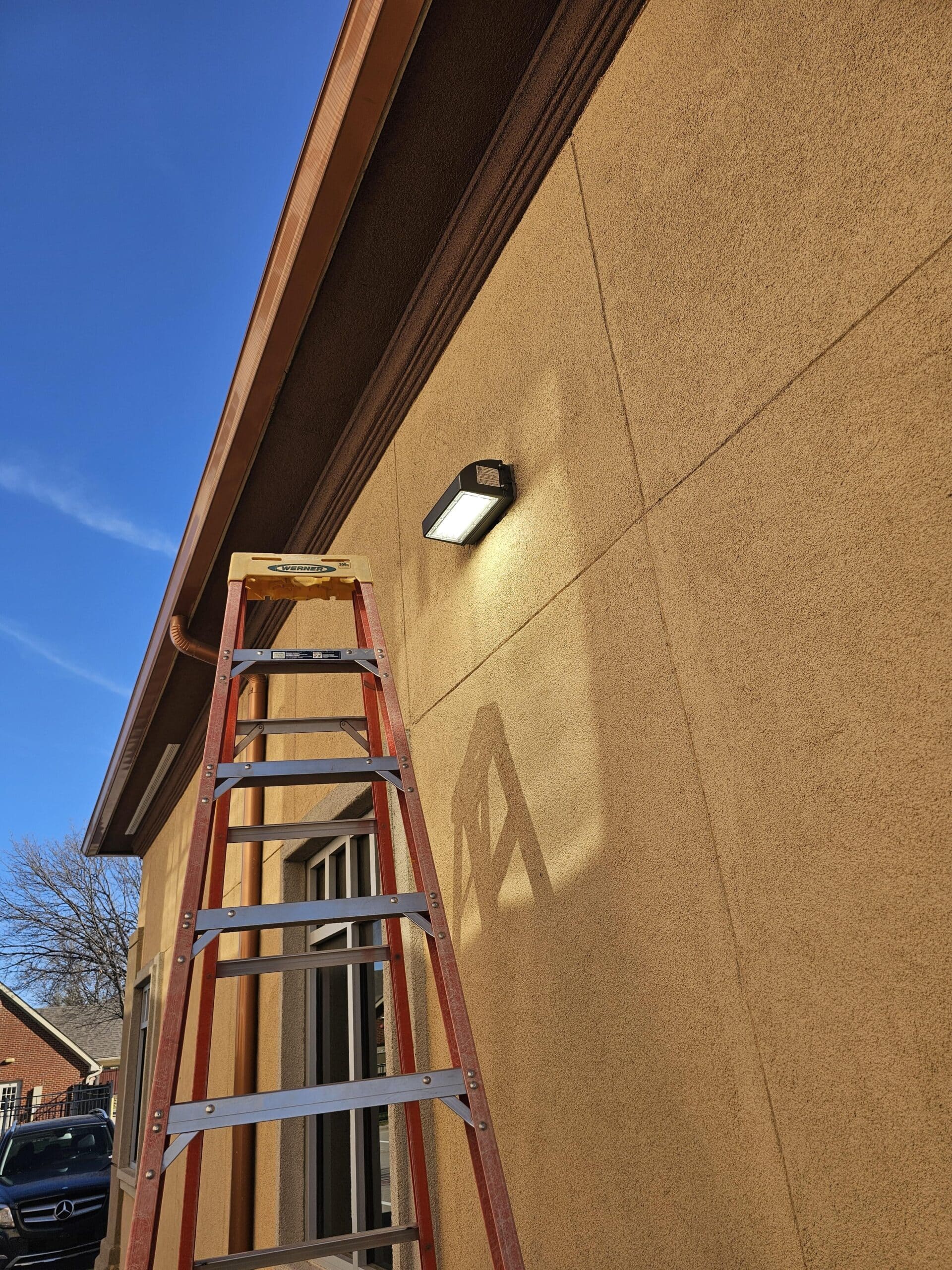
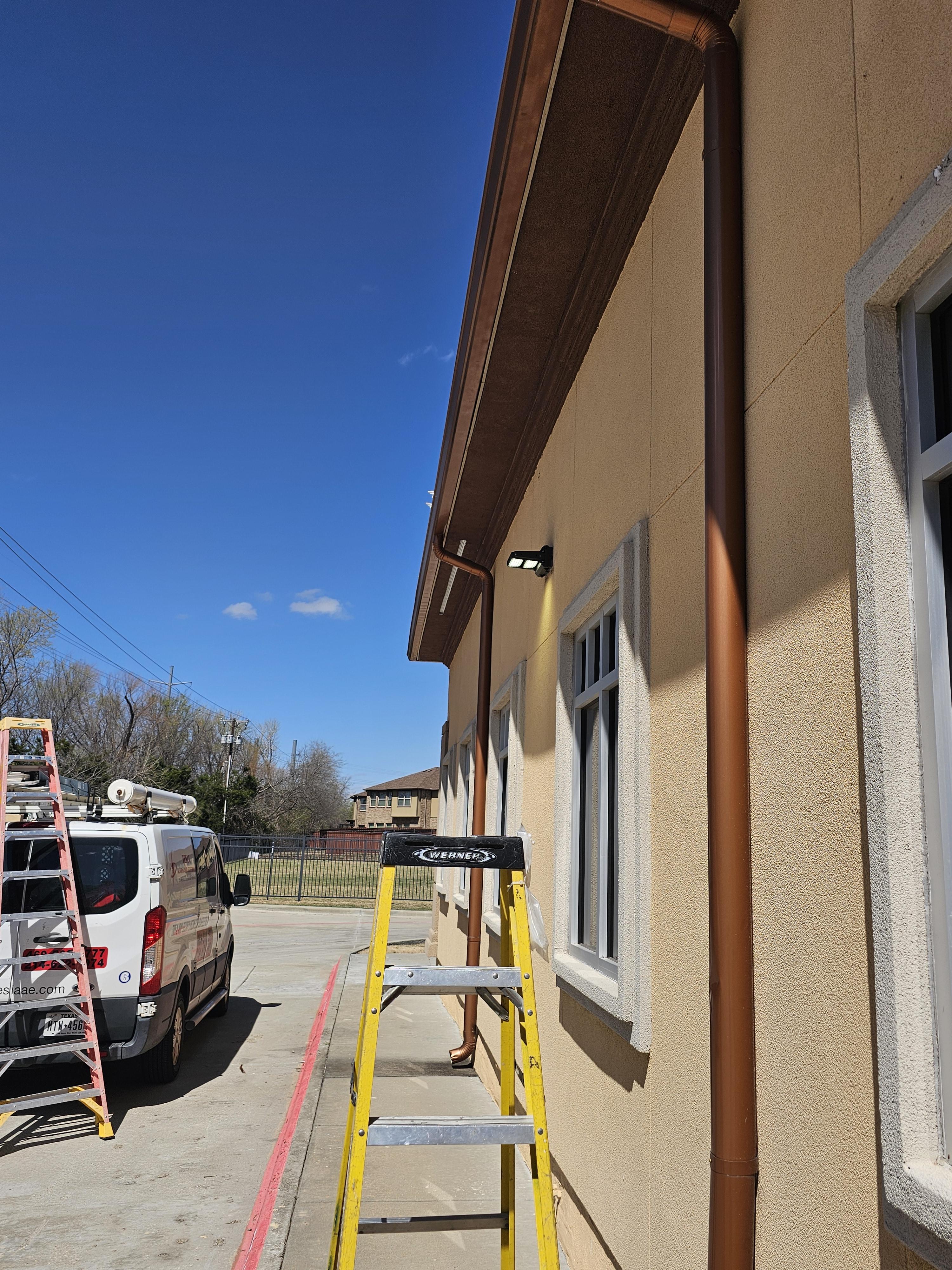
Where you place your cameras impacts their effectiveness. Install them high enough to prevent tampering and ensure they’re protected from weather. Consider lighting: too much light can create glare, while too little can miss details. Use night vision cameras and add lighting that enhances visibility without blinding the camera.
Frequently Asked Questions
What are the main differences between PoE and Wi-Fi cameras?
PoE cameras use a single cable for power and data, offering stable connections, while Wi-Fi cameras are wireless and more flexible in placement, but may face connectivity issues.
Do I need a permit to install security cameras in Plano?
Typically, you don’t need a permit for security cameras. However, ensure they comply with local privacy laws and don’t infringe on neighbors’ privacy.
How much bandwidth do security cameras require?
Bandwidth needs vary by camera. HD cameras can require 1-2 Mbps per camera. Check your network capacity to ensure it can handle your cameras without slowing other internet activities.
What should I consider for outdoor camera placement?
Place cameras high to prevent tampering, ensure they’re weather-protected, and consider lighting conditions to avoid glare or dark spots that obscure footage.
Are there specific laws in Texas about recording video with security cameras?
Texas allows video recording in public spaces without consent. However, audio recording requires one-party consent. Always check local regulations to ensure compliance.