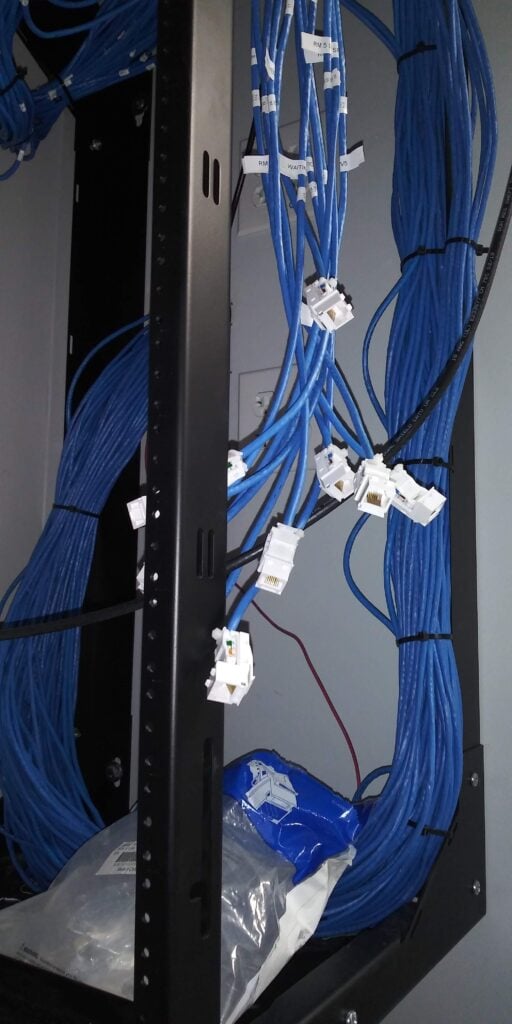
Most security camera issues trace back to wiring problems few people notice. When cables, power supplies, and grounding don’t meet code or design standards, your cameras miss critical moments or show grainy images. Understanding how security camera wiring impacts system reliability can save you hours of frustration and costly repairs. Keep reading to learn what every Plano homeowner and business owner should know about wiring your surveillance system right. For more insights, check out this guide on security camera wiring.
Importance of Proper Wiring
Proper wiring is crucial for maintaining the reliability of your security systems. Let’s explore how cabling, power, and grounding choices can make or break your surveillance setup.
Impact of Cabling Choices
The type of cables used in your security system plays a pivotal role in its performance. Cat6 cabling is often recommended for its ability to support high-speed data transfer, which is essential for clear video feeds. When installing a security camera system, using quality cables can prevent data loss and ensure seamless video transmission. Poor-quality cables can lead to frequent connection drops, resulting in missed video footage and potential security breaches.
Additionally, consider the environment where the cables will be used. Outdoor cameras, for instance, require weather-resistant cables to withstand harsh conditions. Properly securing cables can also prevent them from being accidentally unplugged or damaged, which can disrupt your system’s performance. Investing in good cables ensures that your surveillance system functions optimally and lasts longer.
Power Supply and Uptime
A reliable power supply is essential for preventing downtime in your security system. Cameras need a consistent power source to function correctly. Without it, they might fail during critical moments. For most setups, using a PoE (Power over Ethernet) system simplifies installation by delivering both power and data through one cable. This not only reduces wiring clutter but also minimizes the risk of power failure due to fewer connections.
When designing your system, ensure that the power supply can handle the total power consumption of all devices. Overloading a power source can lead to failures and damage. Additionally, backup power options like Uninterruptible Power Supplies (UPS) can keep your system running during outages, maintaining continuous coverage.
Role of Grounding and Bonding
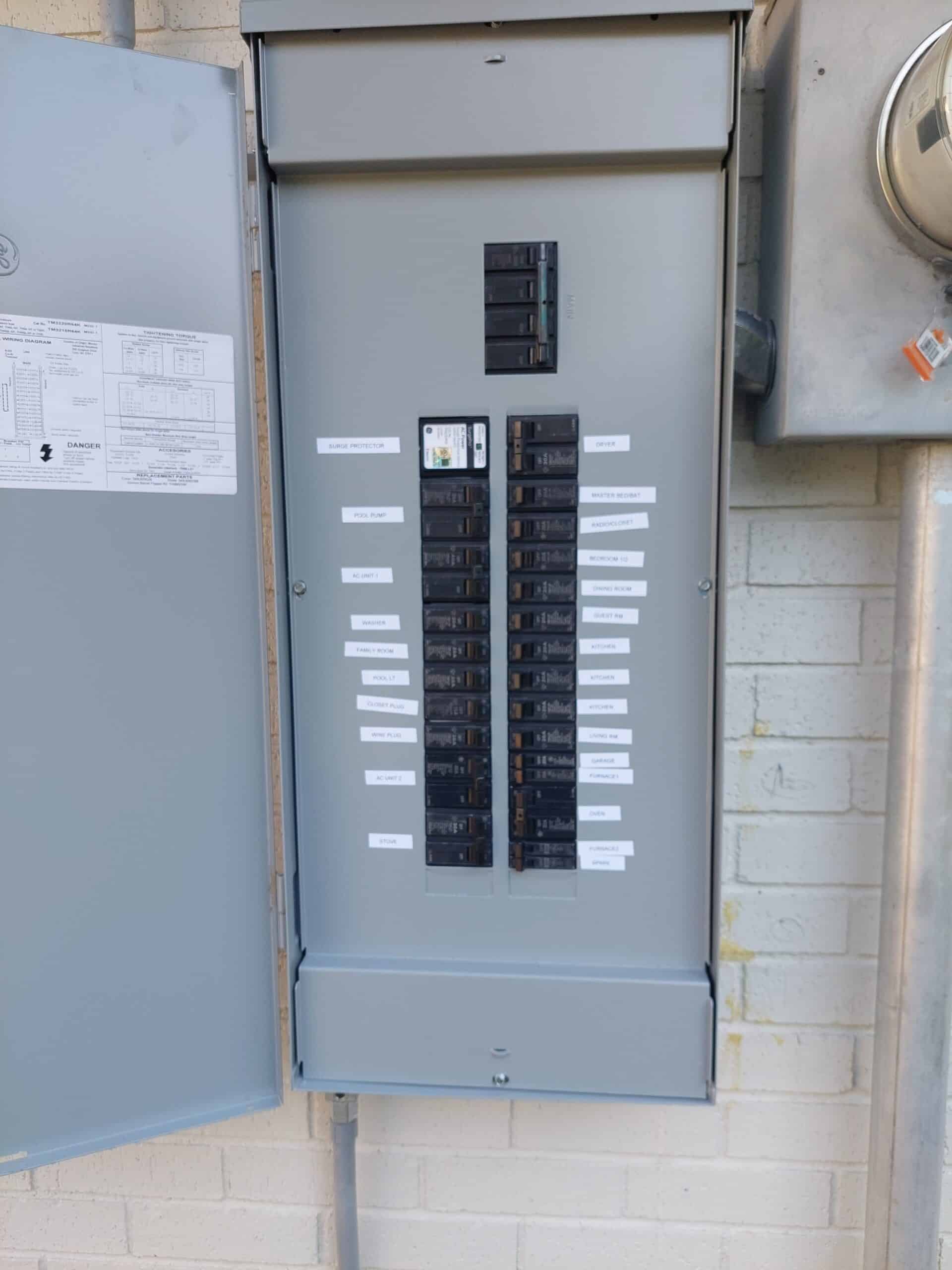
Grounding and bonding are key to preventing electrical surges and maintaining system safety. Proper grounding ensures that excess electricity is safely discharged, preventing damage to your equipment. Inadequate grounding can lead to equipment failure and pose safety hazards.
Bonding, on the other hand, connects all metal parts of your electrical system to reduce the risk of faults. Ensuring that every part of your security system is properly grounded protects against lightning strikes and power surges, which can disrupt operations and cause costly damage.
Enhancing Image Quality
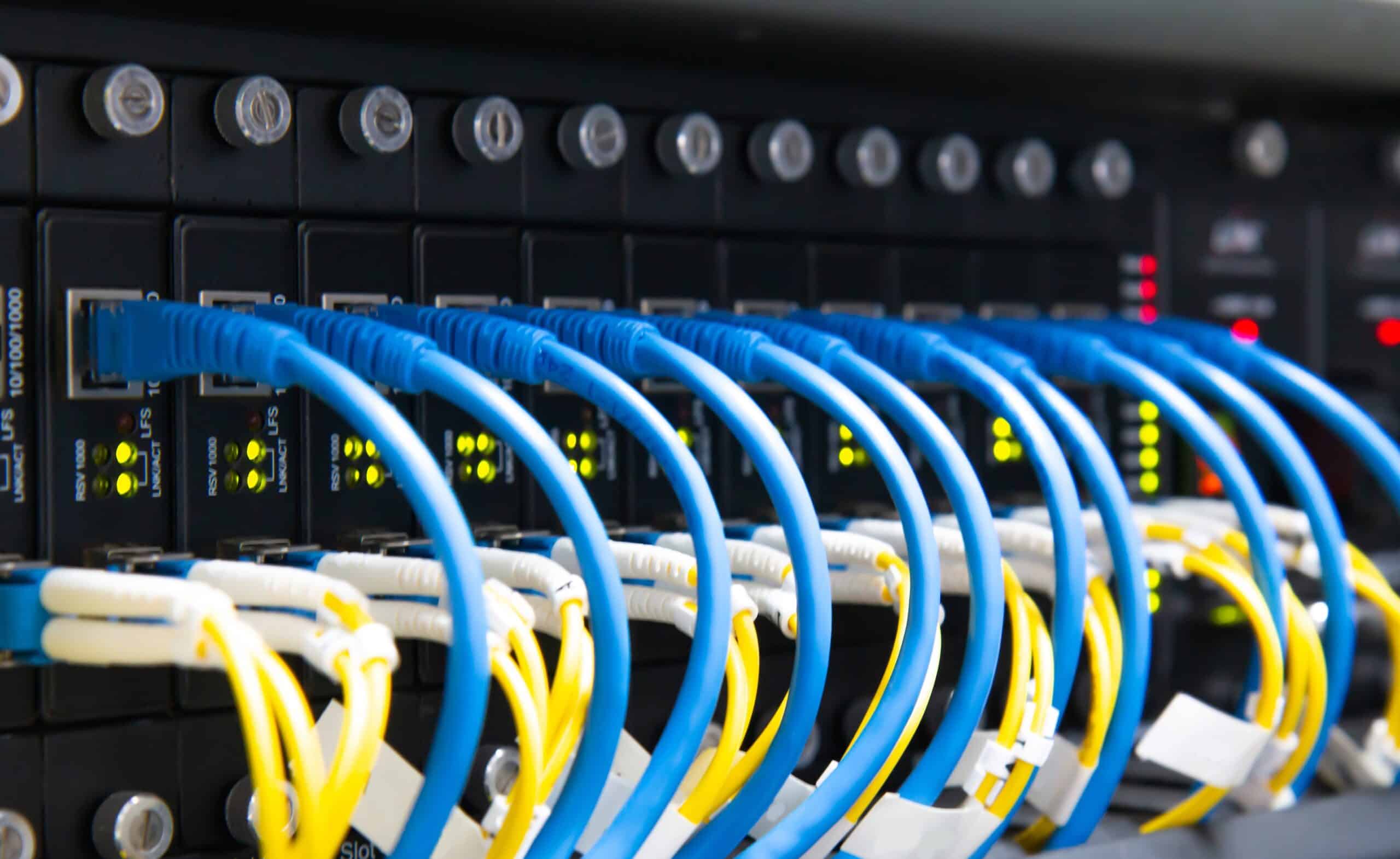
Image quality is vital for identifying potential security threats. Let’s delve into how wiring affects video clarity and what you can do to improve it.
Tackling Voltage Drop Issues
Voltage drop can significantly impact image quality in security cameras. It occurs when the voltage at the camera falls below the required level, often resulting in poor video quality. To combat this, it’s important to consider the distance between the power source and the camera. Longer distances result in greater voltage drops.
Using thicker cables or 12V and 24V power supplies can help mitigate voltage drops. These solutions ensure that your cameras receive adequate power, maintaining clear, high-quality images. Regularly testing voltage levels at the camera site can also help detect and address potential drop issues before they affect system performance.
Selecting Suitable Conduits
Choosing the right conduits for your camera wiring is essential for protecting cables from physical damage and environmental factors. Conduits shield cables from moisture, dust, and pests, enhancing the durability and performance of your system.
For outdoor installations, opt for weatherproof conduits to prevent corrosion and wear. Protecting cables with suitable conduits not only ensures better video quality but also extends the lifespan of your security system. Properly installed conduits can also deter tampering and unauthorized access to your security system components.
Surge Protection Strategies
Surge protection is crucial for safeguarding your security system from power spikes. Without it, your cameras could be damaged by sudden increases in voltage, leading to costly repairs or replacements. Installing surge protection devices at key points in your system helps absorb excess voltage and prevent damage.
Consider using surge protectors with a high joule rating for better protection. It’s also advisable to regularly inspect and maintain these devices to ensure they function correctly when needed. By implementing effective surge protection strategies, you can ensure the longevity and reliability of your security camera system.
Addressing False Alerts
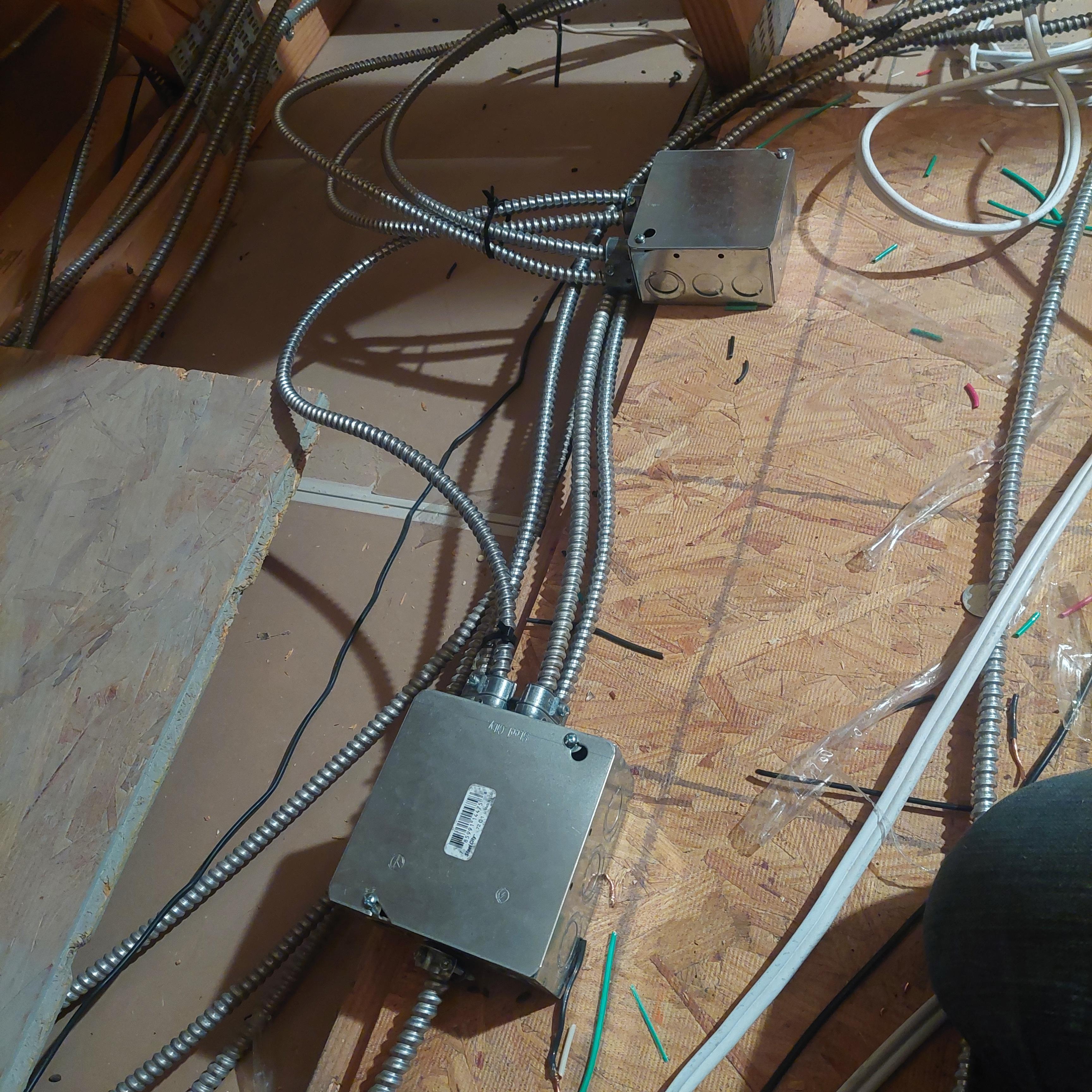
False alerts can be frustrating and undermine the credibility of your surveillance system. Here’s how proper wiring and setup can help minimize these occurrences.
PoE Switch Sizing Insights
Choosing the right PoE switch size is crucial for handling the power needs of your security cameras. An undersized switch might not provide enough power, leading to frequent disconnections and false alerts. Assess the power requirements of your cameras and select a switch that can comfortably support them all.
Ensure that the switch can accommodate future expansions of your security system. Investing in a slightly larger switch than currently needed can save time and money down the line. By correctly sizing your PoE switch, you can create a more stable and reliable security setup.
Effective Network Cabinet Layout
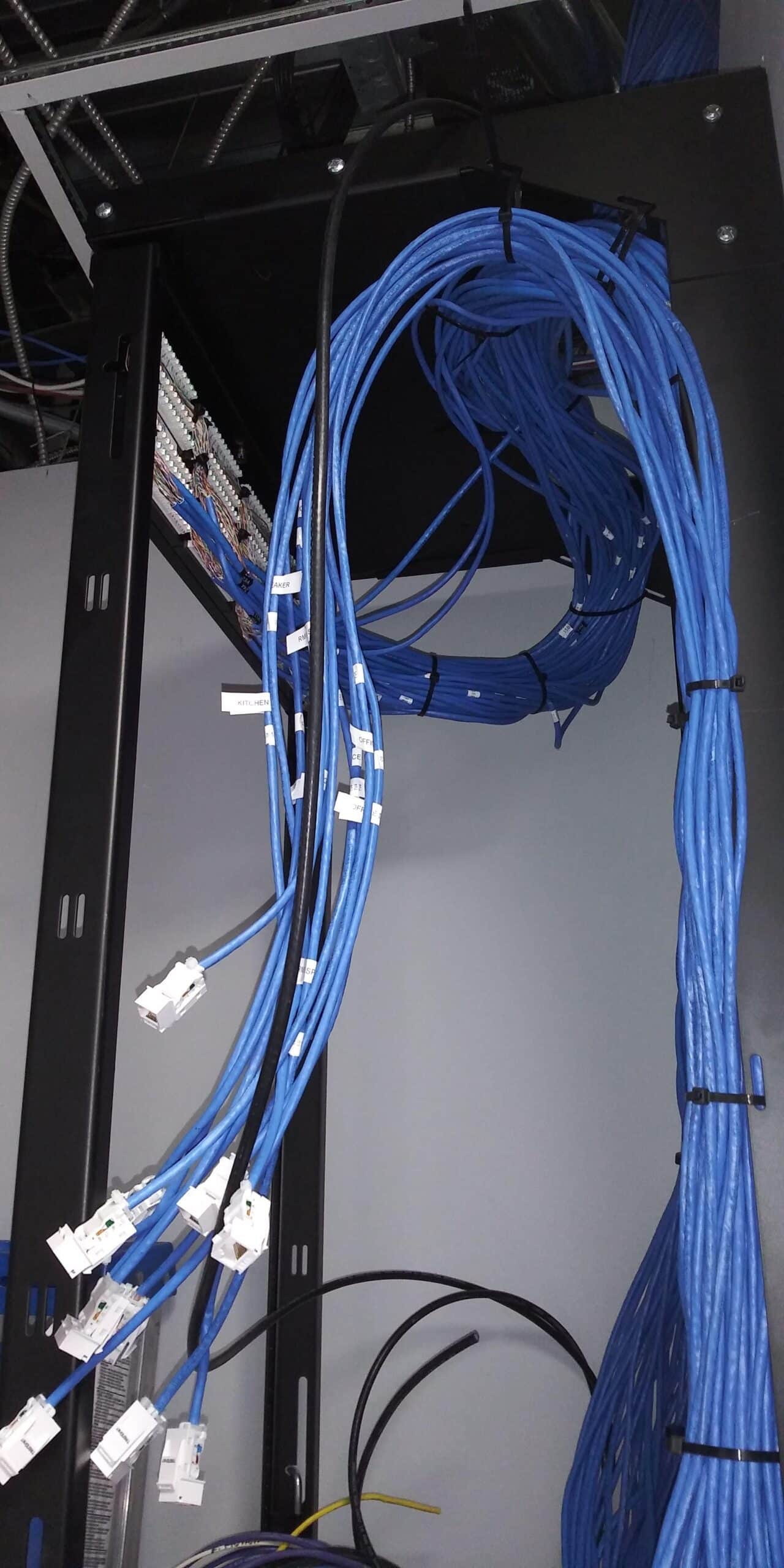
Organizing your network cabinet can prevent false alerts by reducing interference and ensuring proper connections. A cluttered or poorly organized cabinet can lead to signal interference and connection issues. Arrange cables neatly and label them for easy identification and maintenance.
Ensure adequate ventilation to prevent overheating, which can also lead to system malfunctions and false alerts. Regularly inspect your cabinet setup to identify and rectify potential issues. A well-organized cabinet contributes to the smooth operation of your surveillance system.
Camera Cable Testing Essentials
Regular cable testing is vital for maintaining a reliable security system. Faulty cables can lead to disconnections and false alerts, compromising your system’s effectiveness. Use cable testers to check for continuity, signal quality, and voltage levels.
Document test results to track the condition of your cables over time. Replace any cables that show signs of wear or damage promptly. Consistent cable testing ensures that your surveillance system remains dependable and reduces the likelihood of false alerts.
Frequently Asked Questions
How can I prevent voltage drop in my security cameras?
To prevent voltage drop, use thicker cables or higher voltage power supplies (12V or 24V). Ensure the distance between the power source and the camera is minimized, and regularly check voltage levels at the camera site.
What are the benefits of using PoE for security cameras?
PoE simplifies installation by combining power and data in one cable, reducing wiring clutter. It also lowers the risk of power failure due to fewer connections and supports easy expansions of your security system.
Why is grounding important for security systems?
Grounding safely discharges excess electricity, preventing equipment damage and safety hazards. Proper grounding protects against lightning strikes and power surges, ensuring the longevity and reliability of your security system.
How does surge protection enhance system reliability?
Surge protection devices absorb excess voltage from power spikes, preventing damage to your cameras and other equipment. This protection ensures your system remains operational and avoids costly repairs.
What should I consider when organizing my network cabinet?
Ensure cables are neatly arranged and labeled for easy maintenance. Provide adequate ventilation to prevent overheating and regularly inspect your setup to identify and rectify potential issues. A well-organized cabinet contributes to system reliability.