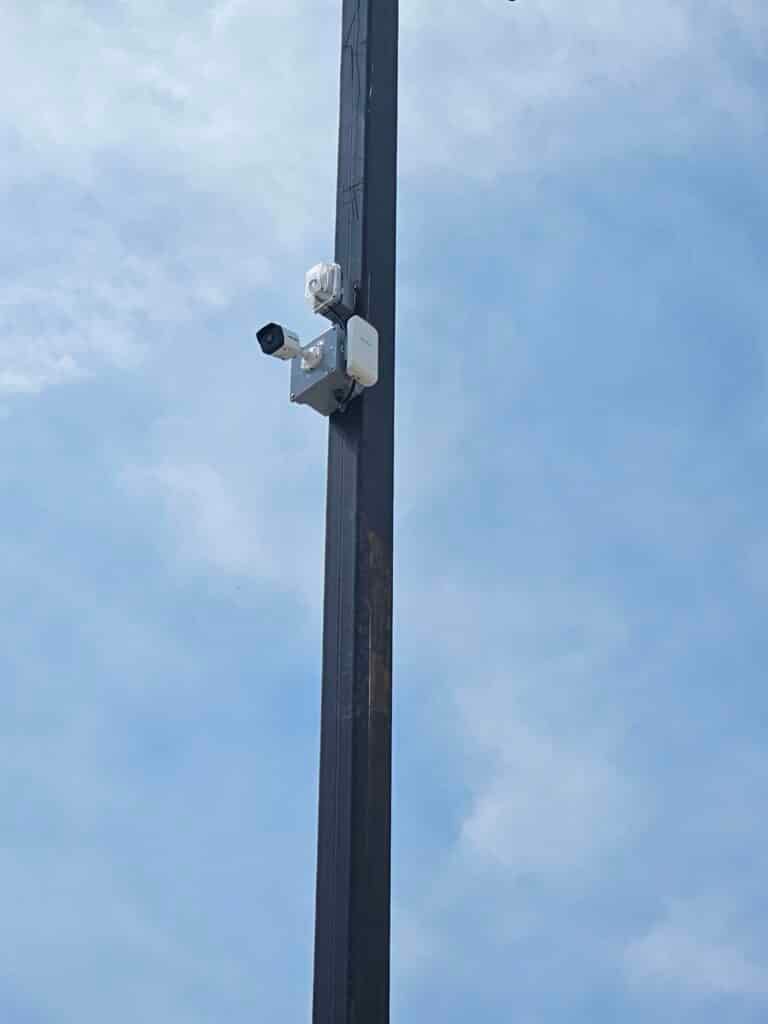
Planning your security setup without a clear strategy can lead to costly mistakes and gaps in coverage. If you’re juggling cameras, alarms, and cabling separately, you might miss how they work best together. This guide walks you through creating a code-compliant, scalable plan that ties all these elements into a reliable system tailored for your Plano property. Learn more about setting up a home security camera system here.
Designing Integrated Security Systems
Creating a seamless system begins with understanding the essential parts. This section outlines the building blocks of a reliable security setup for your property.
Key Elements of System Planning
First, identify what you need. Think about areas that require monitoring and potential security risks. Clear objectives help you decide if you need more cameras or stronger alarms. Talk to a professional to get a sense of what’s feasible for your space.
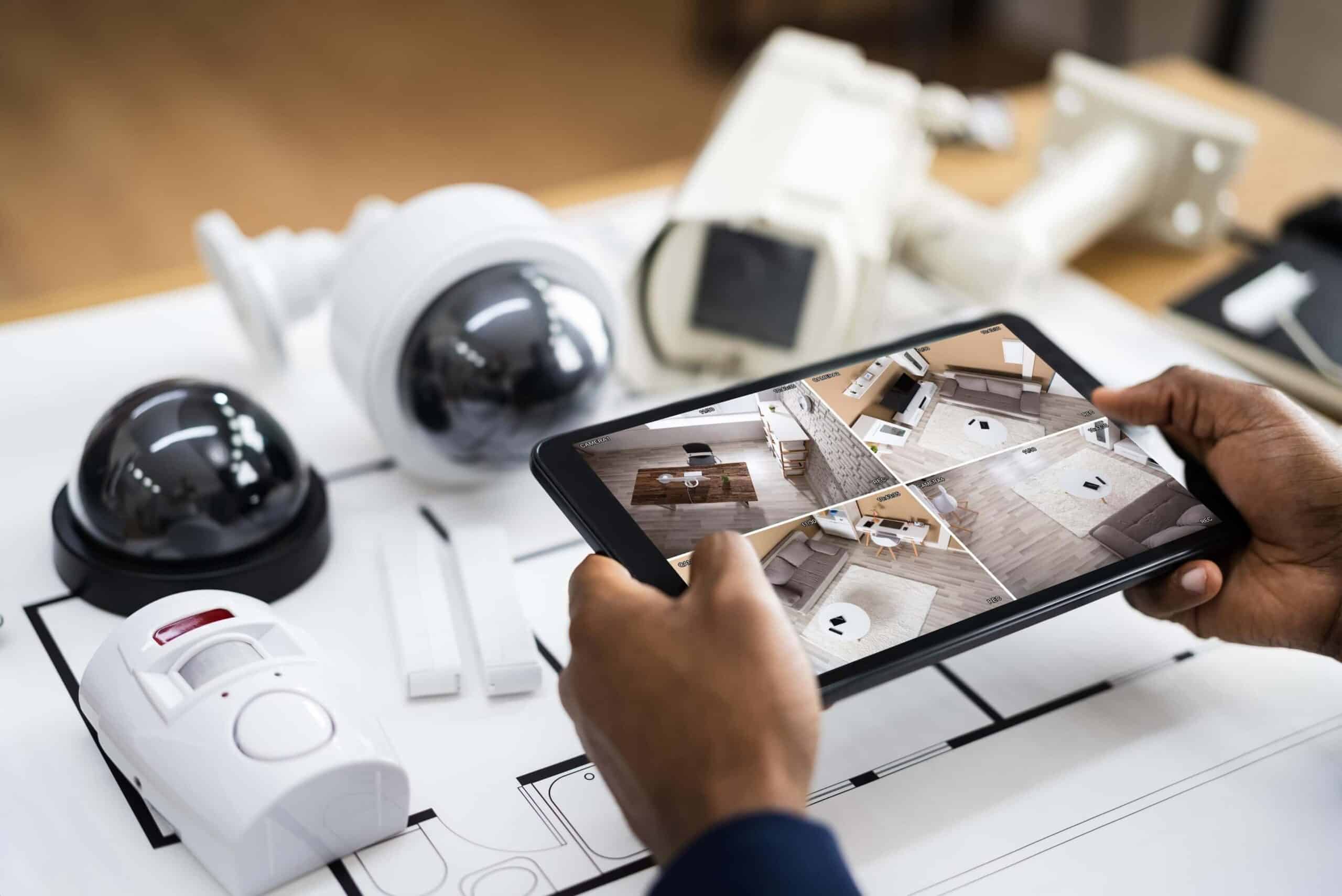
Mapping out your property helps. Sketch your floor plan and mark where cameras and alarms should go. Consider where cabling will run to avoid costly changes later. Ideally, your plan will allow for future additions without major overhauls.
Ensuring Code Compliance and Scalability
Code compliance is crucial. It ensures your system meets local regulations and is safe to operate. Professionals can guide you through these rules. They know what codes apply to your setup and how to meet them.
Scalability is about future-proofing. Start with a system that can grow. It’s easier to add devices now than to overhaul the entire setup later. Choose equipment that supports expansion, like a Network Video Recorder (NVR) system that can handle extra cameras.
The Role of Structured Cabling
Structured cabling is the backbone of your security system. It connects your cameras, alarms, and network. Good cabling makes your system reliable and easier to manage.
Select the right cables for your needs. Cat6 cabling, for example, supports high-speed data transfer and is ideal for security setups. Proper cabling also reduces the risk of interference, ensuring your system works smoothly.
Choosing the Right Equipment
Once you’ve planned your layout, it’s time to pick the gear. The right equipment makes all the difference in effectiveness and efficiency.
Selecting Cameras and Alarms
Choose cameras that suit your specific needs. PoE security cameras are popular for their power efficiency and ease of installation. They require only one cable for power and data, simplifying setup.
Alarms should complement your cameras. Look for systems that can integrate with your cameras for a unified approach. Ensure alarms are loud enough to alert you and act as a deterrent to intruders.
Understanding Cabling Requirements
Cabling isn’t just about connecting devices. It’s about choosing the right type for your environment. For outdoor setups, weather-resistant cables are essential. Indoor environments might allow for simpler options.
Proper installation of cables is key. Avoid sharp bends and tightly packed bundles. This reduces the risk of damage and interference. Using structured cabling reduces clutter and makes maintenance easier.
Power and Network Considerations
Your security system relies on power and network stability. This means choosing the right power sources and ensuring network connectivity. Consider backup power solutions like generator installations to keep your system running during outages.
Network considerations include bandwidth. Ensure your network can handle the data load from multiple cameras without slowing down. You might need a dedicated network for your security system.
Installation and Maintenance Tips
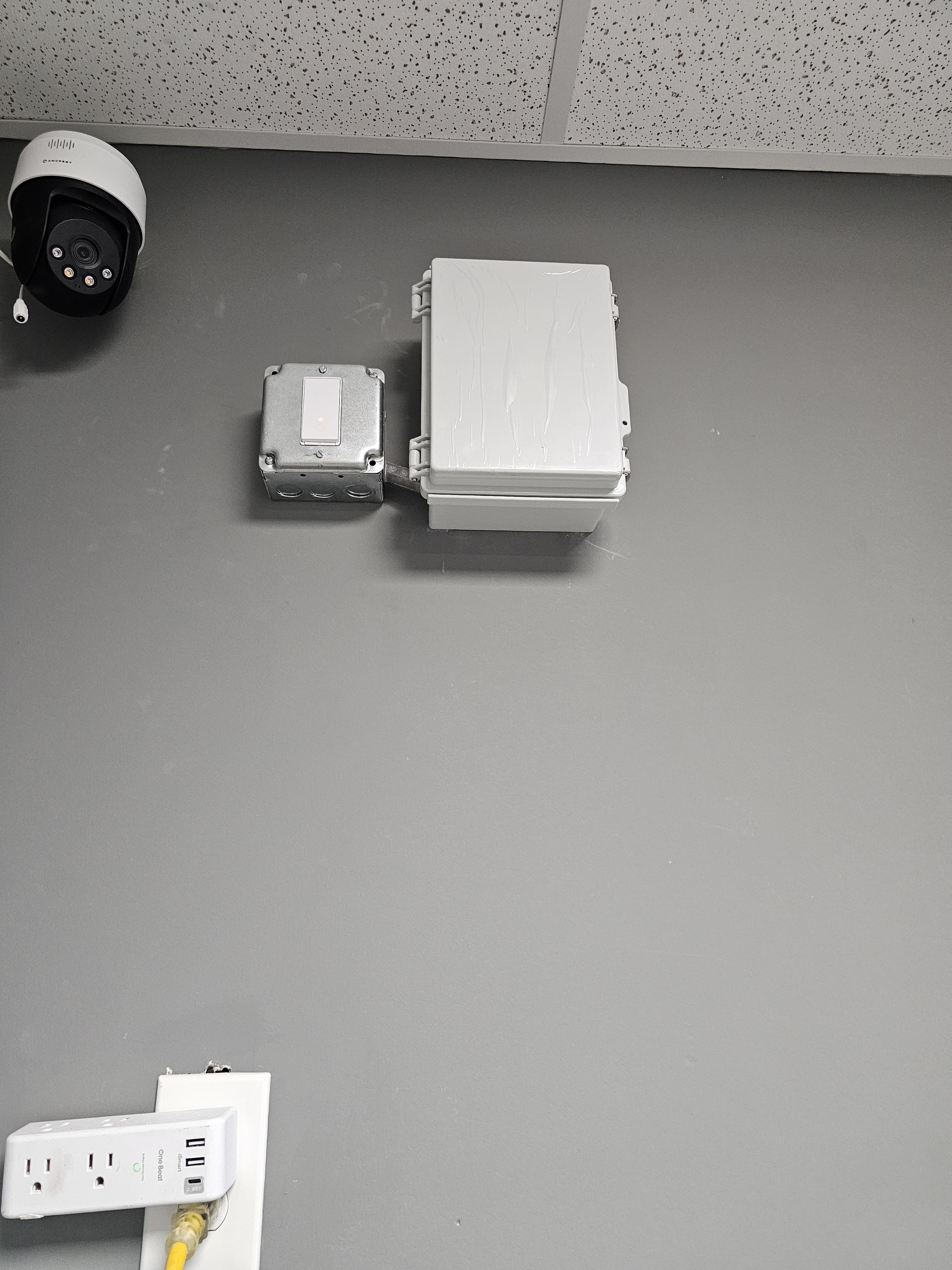
A well-installed system is only as good as its upkeep. This section covers both the setup and the ongoing care of your security system.
Site Surveys and Drawings
Conduct a site survey to understand your property’s layout. This helps in determining the best positions for cameras and alarms. Use detailed drawings to plan where everything will go before installation starts.
Drawings help communicate your plan to installers, ensuring no details are missed. They also serve as a reference for future upgrades or maintenance.
Importance of Professional Installation
Professional installation ensures everything is set up correctly. This reduces the likelihood of malfunctions and security gaps. Trained installers know the best practices for positioning and wiring cameras and alarms.
Hiring professionals also means your system is more likely to comply with local electrical codes. This is crucial for legality and safety.
Ongoing Support and Upgrades
Once installed, your system will need regular checks. Regular maintenance prevents small issues from becoming major problems. Professionals can offer support services to keep your system in top shape.
Keep an eye on technology trends. As new features become available, consider upgrades to enhance your system’s capabilities. This ensures your security setup remains effective and up-to-date.
Frequently Asked Questions
What is structured cabling, and why is it important?
Structured cabling is a standardized approach to cabling infrastructure. It’s important because it ensures your security system is reliable, scalable, and easier to manage.
How can I ensure my security system is code-compliant?
Hire professionals familiar with local codes. They can guide you through the necessary regulations and ensure your system meets all required standards.
What are the benefits of using PoE security cameras?
PoE cameras require only one cable for both power and data, simplifying installation and reducing clutter. They’re efficient and ideal for both residential and commercial setups.
Why should I consider professional installation for my security system?
Professional installation ensures your system is set up correctly and safely. Professionals are familiar with best practices and local codes, reducing the risk of malfunctions and compliance issues.
How can I future-proof my security system?
Choose scalable equipment and plan for future expansion. This includes selecting an NVR system that can handle additional cameras and ensuring your cabling allows for easy upgrades.